
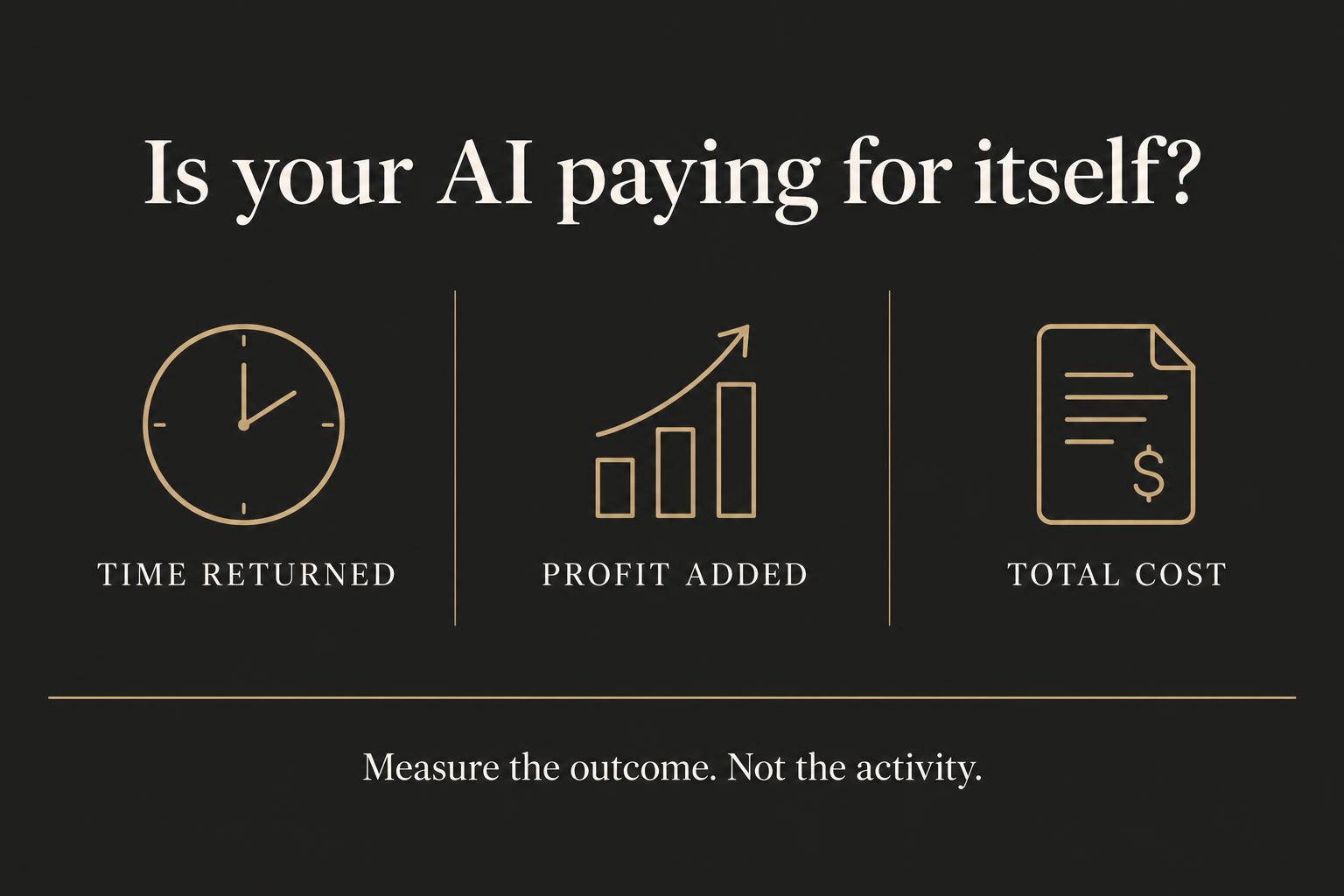
Your AI subscription might be cheap. The hours your team spends working around it aren’t.
If AI helps you answer leads faster, reduce paid admin work, or deliver more work without stretching your team, it can earn its place. If it creates more checking, more corrections, and another system nobody trusts, you need to know that too.
The question isn’t whether your business uses AI. It’s whether the work you’ve given it produces a return you can explain.
Here’s a practical way to find out, without a complicated financial model or a vendor’s promise.
AI adoption is growing. Your return still needs proving.
The U.S. Chamber of Commerce’s 2026 small business technology report says 66% of surveyed small businesses use AI, up from 58% in 2025. Businesses using AI were at least seven percentage points more likely to report sales, profit, and workforce growth.[1]
That’s useful context, not a guarantee. The survey covered 3,732 U.S. businesses with fewer than 250 employees, and its 2026 wave ran from July 23 to August 6. These are reported outcomes, not proof that AI caused the growth. Better-performing businesses might also have stronger processes, more resources, or better management.
Your business won’t get a return just because other businesses report one. You need to measure what changes in your own operation.
Start with one job, not your entire business.
Pick a workflow that happens often enough to measure. Preparing quotes. Logging enquiries. Drafting follow-up messages. Answering routine customer questions. Matching invoices to purchase orders.
Write down the business outcome before choosing the tool:
- Revenue: More qualified enquiries become paying customers.
- Time: The same work takes fewer net hours, with quality maintained.
- Cost: Paid overtime, contractor spend, or other avoidable expenses fall.
- Capacity: Your team can deliver additional work without adding the same amount of labour.
“Use AI for sales” is too broad. “Reduce the time between an enquiry and an accurate first response, then track completed sales” gives you something you can test.
1. Record what happens before AI.
Use a representative period, long enough to capture your normal volume and busy days. Our practical starting point is two weeks, but a low-volume or seasonal business will need longer. That’s a suggested approach, not a research-backed universal benchmark.
For the workflow you’ve chosen, record:
- How many tasks, enquiries, or transactions come through.
- The total staff time required, including checking and corrections.
- The quality of the outcome: errors, complaints, missed commitments, or rework.
- The relevant commercial result: completed sales, paid labour cost, or work delivered.
Keep the definition consistent. A booked appointment isn’t a sale. A drafted quote isn’t an accepted quote. An automated reply isn’t a resolved customer problem.
2. Count the full cost, not just the subscription.
The monthly bill is only one part of the investment. Include setup, integration, staff training, usage charges, routine maintenance, and the people who check the output.
Don’t hide your team’s time because it’s already on payroll. It still uses capacity that could go somewhere else. But don’t treat that allocated time cost as an extra cash payment either. Keep your cash and capacity views separate.
For a trial, include the setup cost in the period you’re assessing. For an ongoing monthly view, you can spread that cost across a clearly stated period. Use the same approach when you compare results.
3. Separate hours returned from money saved.
Suppose a workflow used to take ten hours a week. AI brings it down to four, but checking and correcting the output takes another two. You’ve returned four hours, not six.
Net hours returned = previous total hours minus new total hours, including review and rework.
Those four hours matter. They might make workloads more manageable, speed up service, or let your team follow up with customers they couldn’t reach before.
But if payroll and other expenses stay the same, you haven’t automatically saved cash. You’ve created capacity. Ask what that capacity actually becomes:
- Fewer paid overtime hours?
- Less outside admin support?
- More completed, profitable work?
- Faster customer service without more errors?
If your team uses the returned hours to generate additional profit, count that profit. Don’t also count the same hours as wage savings. That would count the benefit twice.
4. Measure profit, not just revenue.
An extra $2,000 in sales doesn’t mean $2,000 in benefit. You still need to deliver the work. Subtract the additional delivery costs to find the contribution those sales make toward covering overhead and profit.
For a cash-focused view, use:
Net financial benefit = additional contribution profit + actual cash savings − incremental AI costs.
ROI = net financial benefit ÷ incremental AI costs × 100.
Use matching periods for costs and benefits. The formula needs a positive cost denominator; if there’s no incremental cost, report the benefit rather than a percentage. Track team capacity alongside the financial result, not as imaginary cash savings.
A simple example, not a client result.
Imagine an established lead follow-up workflow. Over one month, your records support attributing $900 in additional contribution profit to the change. Paid overtime falls by $200. The AI’s subscription, usage, external support, and the setup share allocated to that month total $500.
- Financial benefit before AI costs: $900 + $200 = $1,100.
- Net financial benefit: $1,100 − $500 = $600.
- ROI: $600 ÷ $500 × 100 = 120%.
That’s an illustrative calculation, not a forecast or a typical return. Separately record any salaried staff hours returned and the review time they still spend. If those hours helped produce the $900, don’t add their wage value again.
If you can’t reasonably attribute the extra profit to AI, leave it out or show a conservative range. A believable estimate is more useful than a large number you can’t defend.
5. Check whether AI deserves the credit.
Compare similar work. If you introduced AI during a promotion, changed your prices, or doubled your ad spend, higher sales might have little to do with the tool.
Where it’s practical, compare an AI-assisted group with a similar group using your existing process. If that’s not possible, compare similar periods and record what else changed. Use rates, such as completed sales per qualified enquiry, alongside totals so a busy month doesn’t disguise a weak process.
Check quality too. Faster quotes won’t help if they contain the wrong prices. More appointments won’t help if they’re poor fits. Shorter support times won’t help if customers have to call again.
A short review you can run this week.
- Name one workflow. What job is AI doing, and who owns the result?
- Write down the baseline. Volume, total time, quality, and the commercial outcome.
- Add every cost. Include setup, usage, support, and review effort.
- Find the real benefit. Cash saved, contribution profit added, and capacity returned, recorded separately.
- Make a decision. Keep it if the return holds up. Adjust it if review work eats the gains. Pause it if the cost or risk outweighs the benefit.
Agree on a review date before you start. A first check after 30 days can be useful for a frequent workflow, but longer sales cycles need more time. Don’t expand across the business until the result holds up at the scale you’ve tested.
Before your next subscription, ask a better question.
Don’t ask, “What else can we do with AI?” Ask, “Where are we losing money or time, and can we measure what changes?”
Your team’s AI awareness, your processes, and the connection between your systems all affect whether a promising tool becomes a useful business system. A readiness assessment can help you identify those gaps. It won’t prove ROI or guarantee a return.
The goal isn’t more AI. It’s more money retained, more useful time returned, and a business that runs better.
Source and measurement notes
[1] U.S. Chamber of Commerce, Empowering Small Business: The Impact of Technology on U.S. Small Business, fifth edition (2026). See Key Findings, Methodology, and Part 3. Figures describe this survey’s respondents and don’t establish causation.
The workflow checklist, suggested review periods, and worked financial example are our practical guidance. They aren’t findings from the survey. All dollar amounts are hypothetical, and the assessment isn’t a substitute for measuring your actual costs and outcomes.